Boost quiet videos
Crank volume up to 500% and fine-tune audio for any hard-to-hear video.
VidBar adds a powerful Chrome toolbar to YouTube, Netflix, Prime Video, and most HTML5 video sites — with volume boost, speed control, cinematic filters, bookmarks, visualizer, and 50+ tools. Karaoke is live on YouTube and Netflix, with more sites coming soon.
No account needed · Free forever · Upgrade only if you need Pro tools
Why install
VidBar sits on top of any video page and gives you 50+ tools instantly — no account, no setup, no bloat.
Crank volume up to 500% and fine-tune audio for any hard-to-hear video.
Apply live filters and color grading directly in the browser — no installs.
Drop timestamped notes, screenshots, and bookmarks on any video.
Every tool has a hotkey. Remap them all from the Keys tab — zero conflicts.
The demo is just a preview. Install VidBar and the full toolbar appears on YouTube, Netflix, and any HTML5 video — in 3 seconds.
No account needed · Free forever
In action
Click any feature to explore what it does — or just sit back and watch.
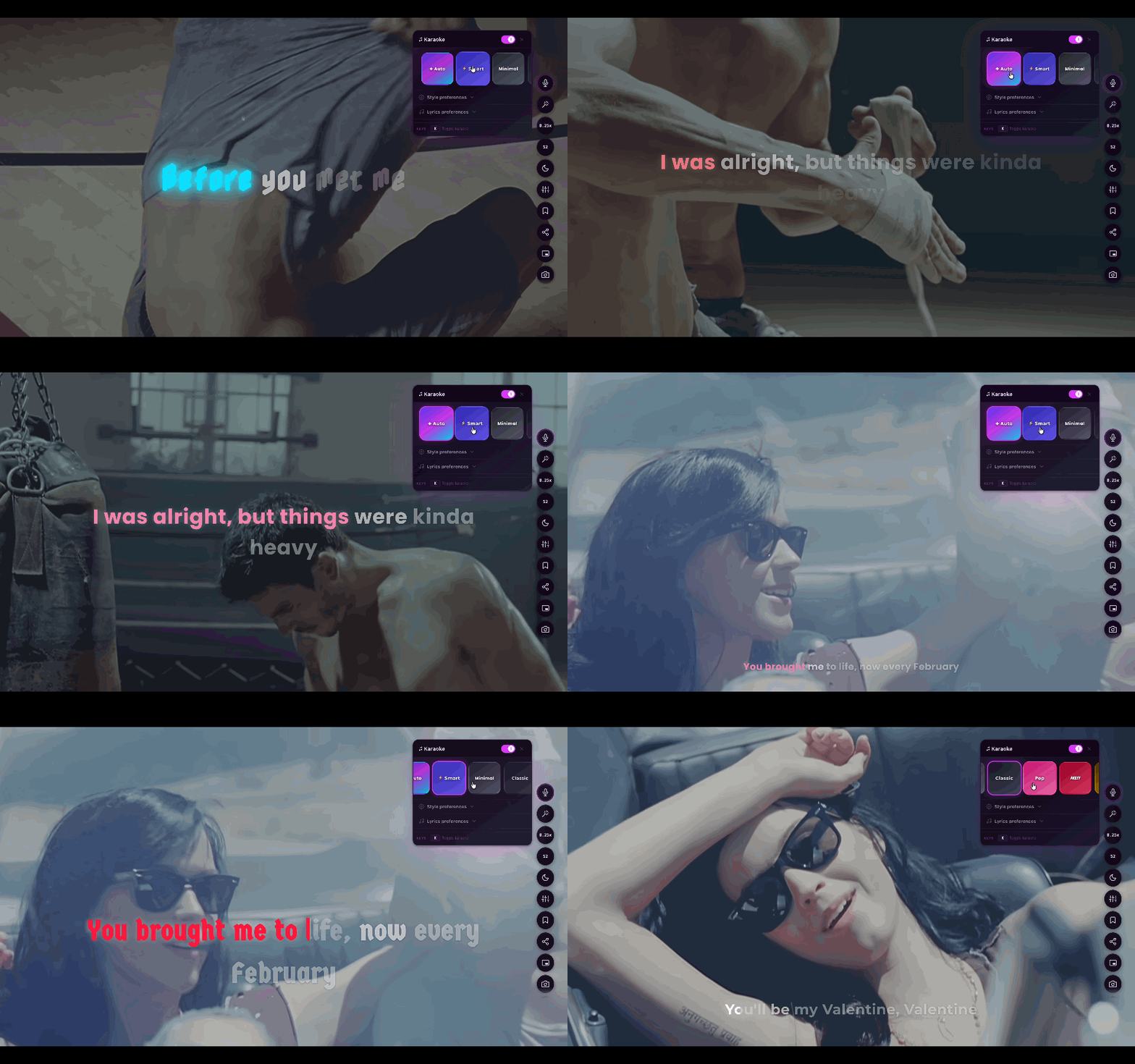
Karaoke Mode
Synced lyrics on YouTube & Netflix
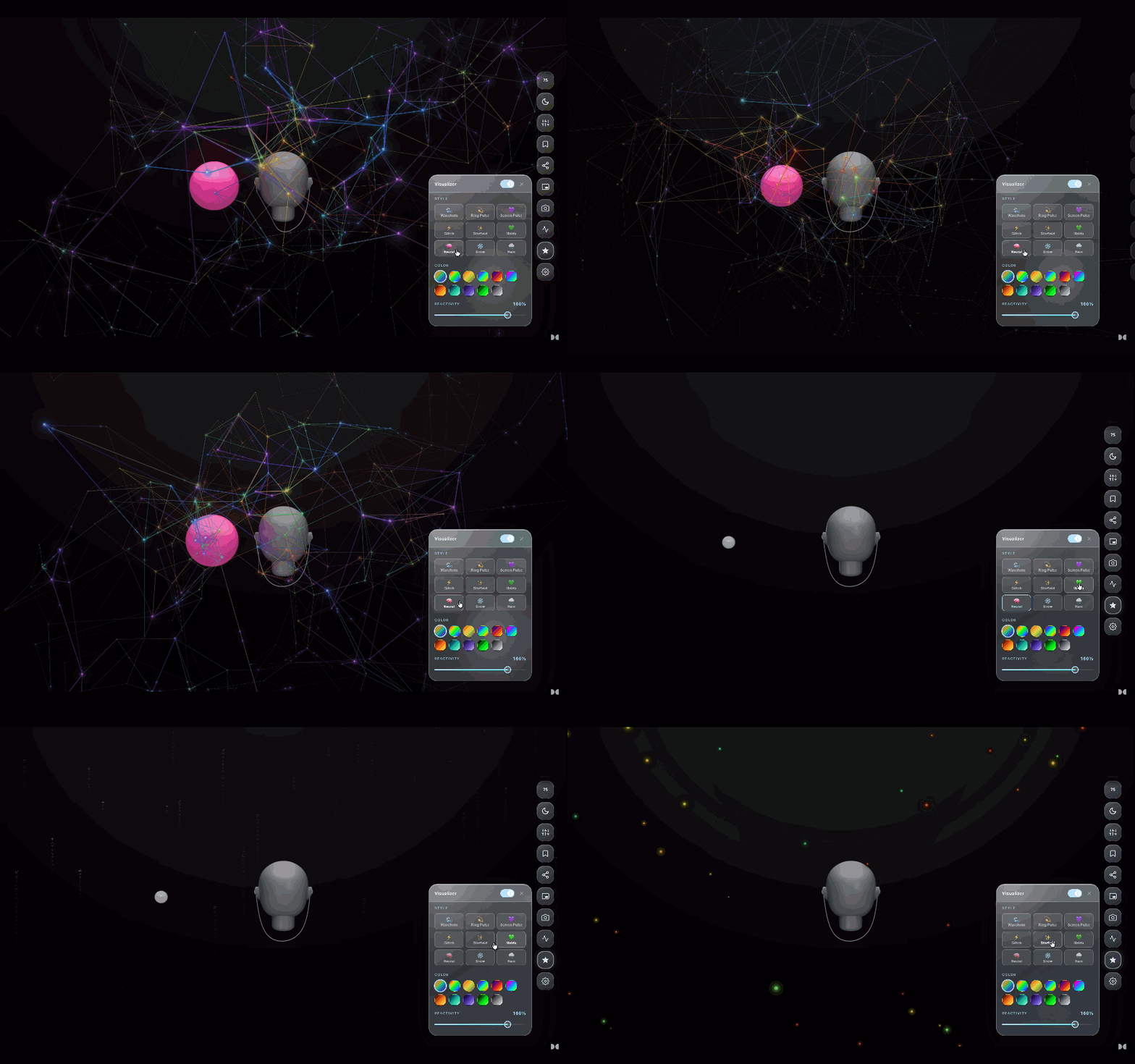
Audio Visualizer
WebGL fluid sim reacts to every beat
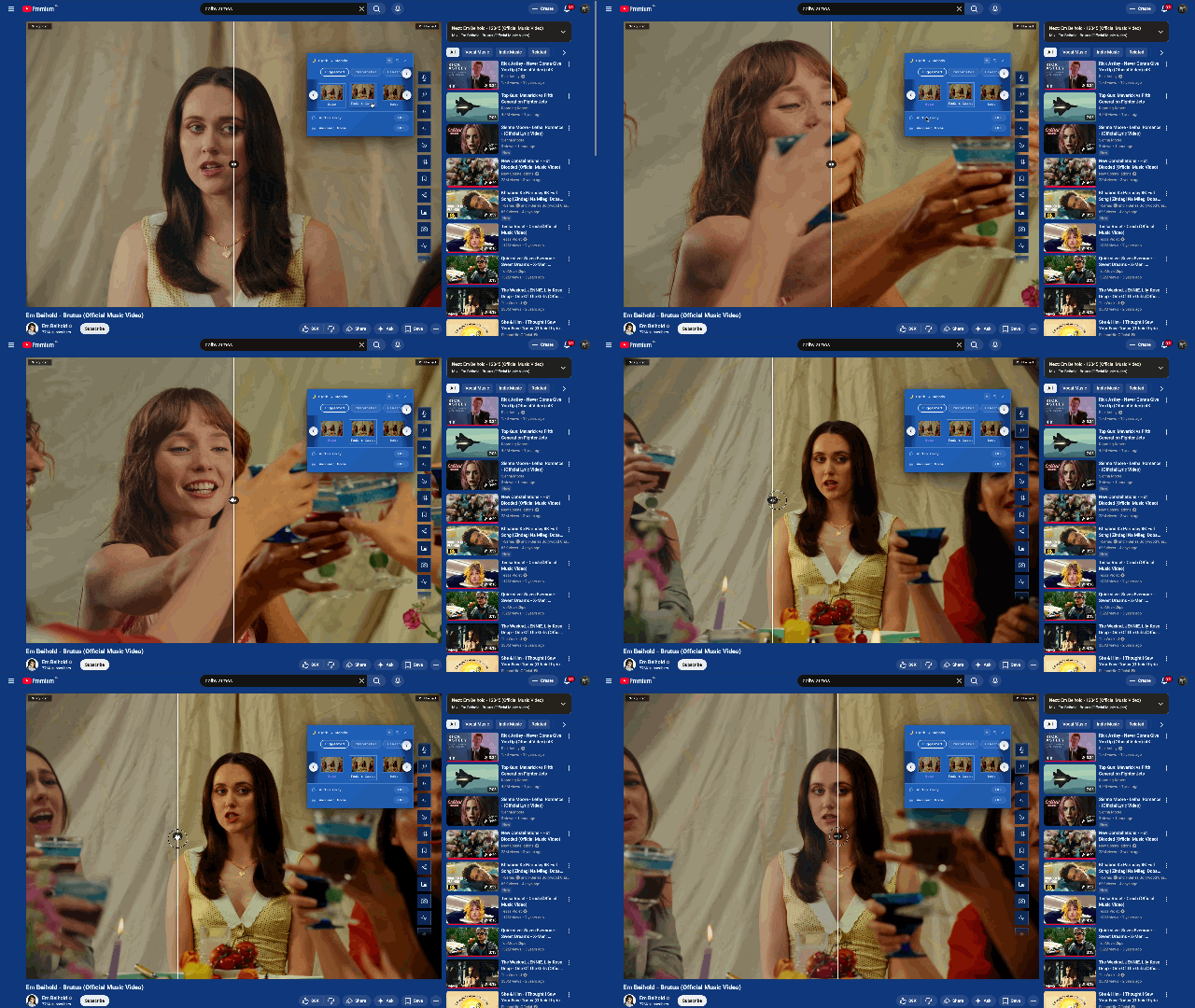
Cinematic Filters
Noir, vintage, vivid & more
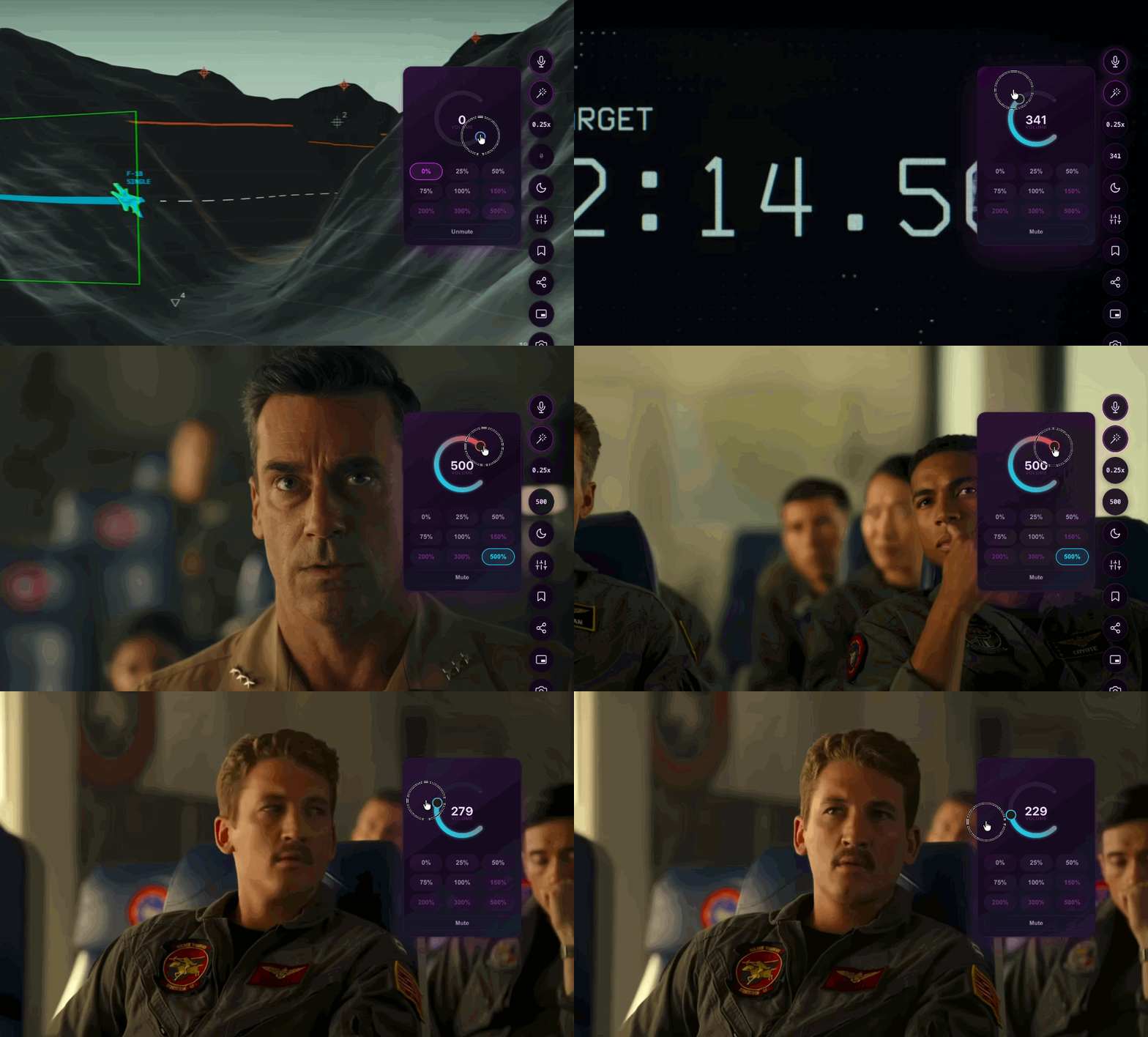
Volume Boost
Push audio up to 500%
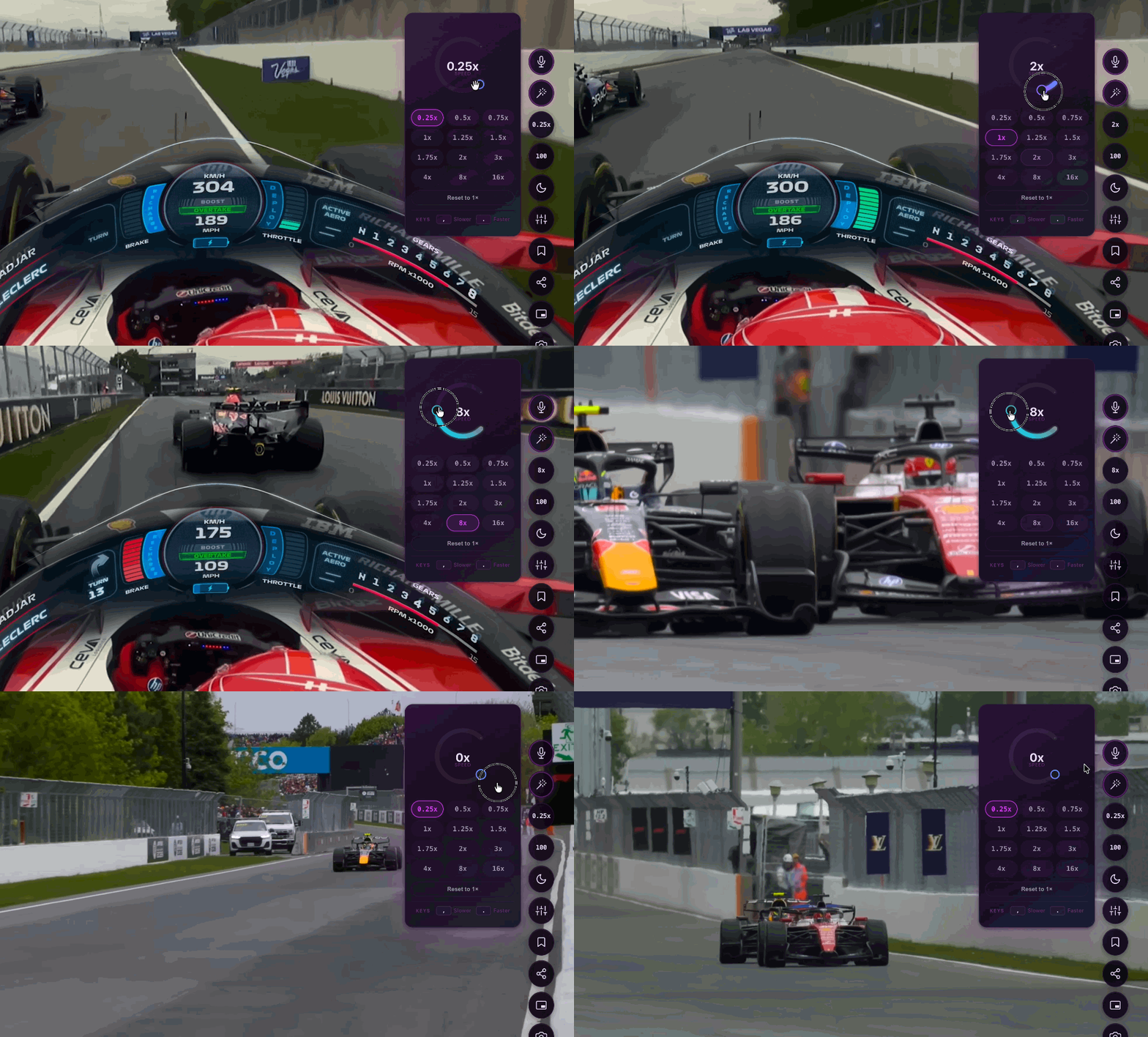
Speed & Pitch
0.25× to 4× with pitch lock
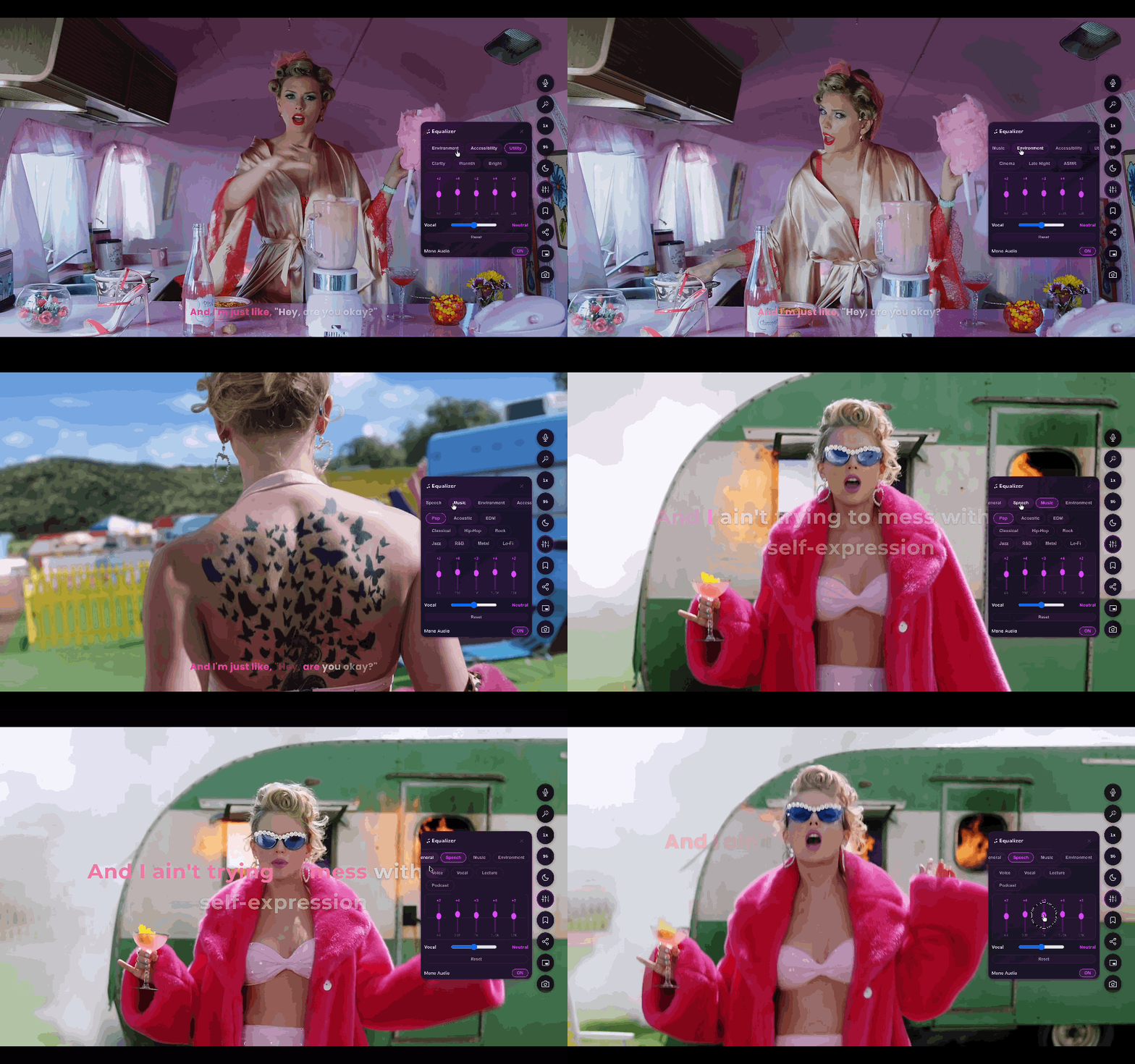
5-Band EQ
Reshape audio in real time
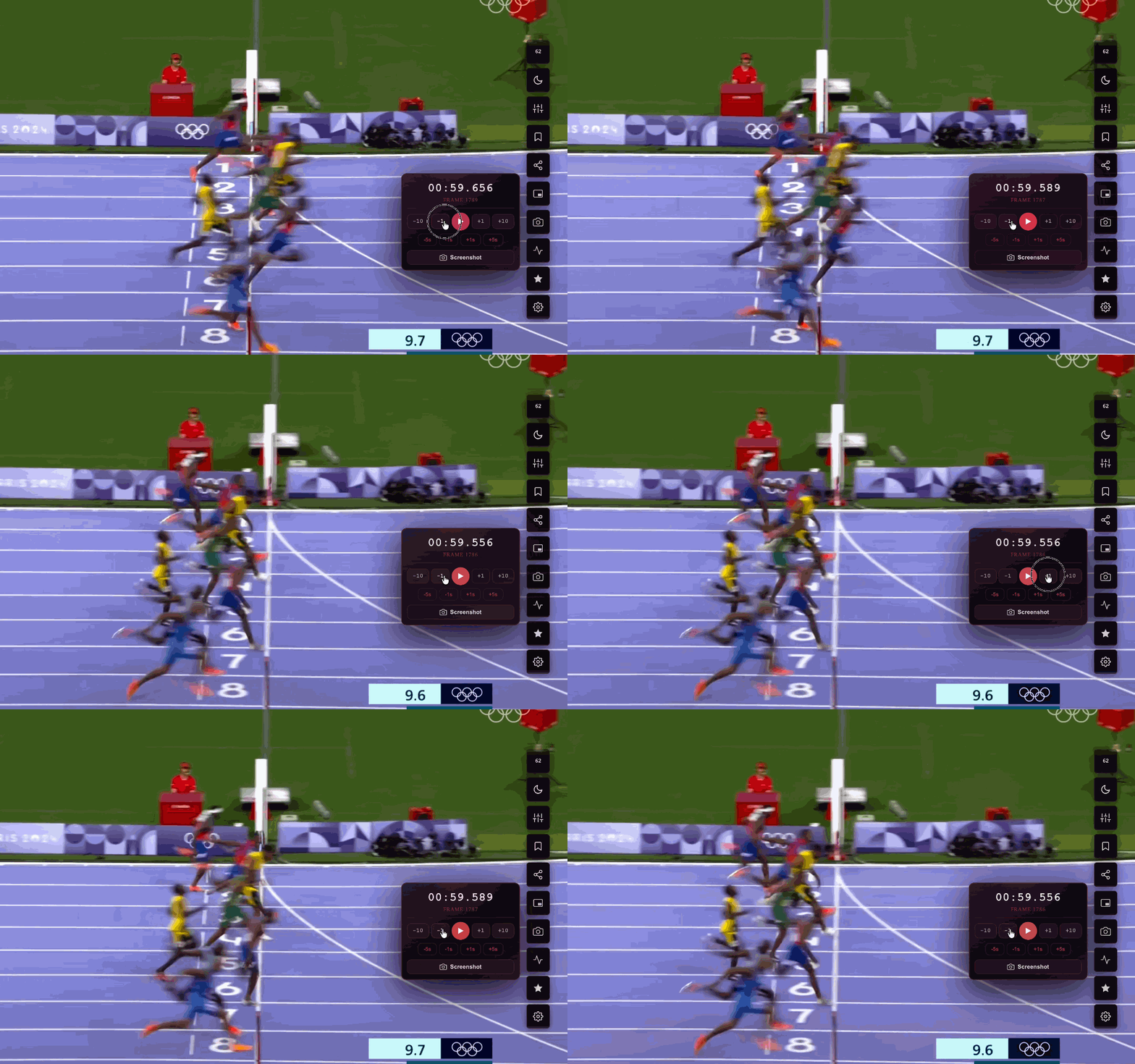
Frame Navigator
Step frame-by-frame with precision
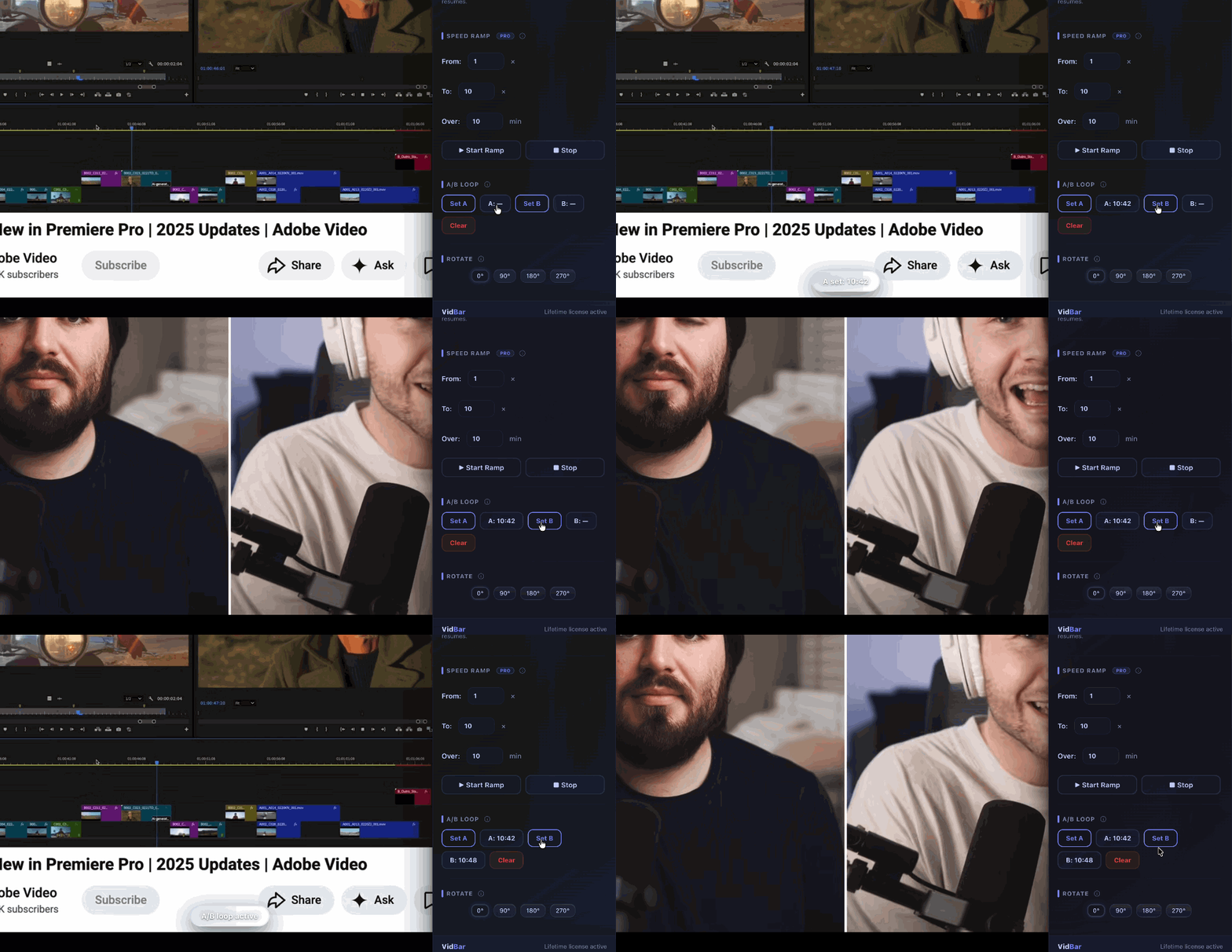
A/B Loop
Repeat any section endlessly
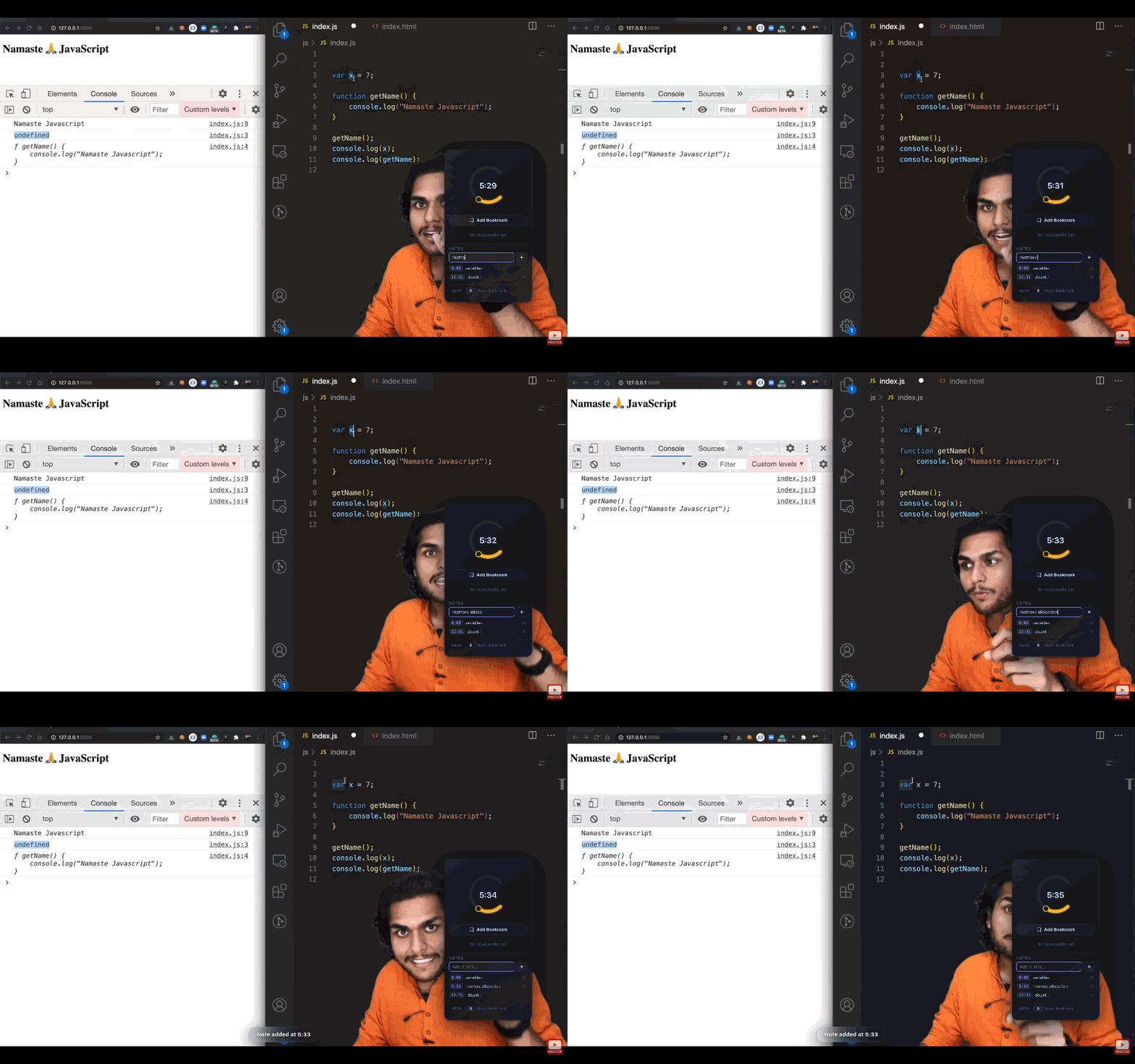
Timestamped Notes
Notes that travel with the video
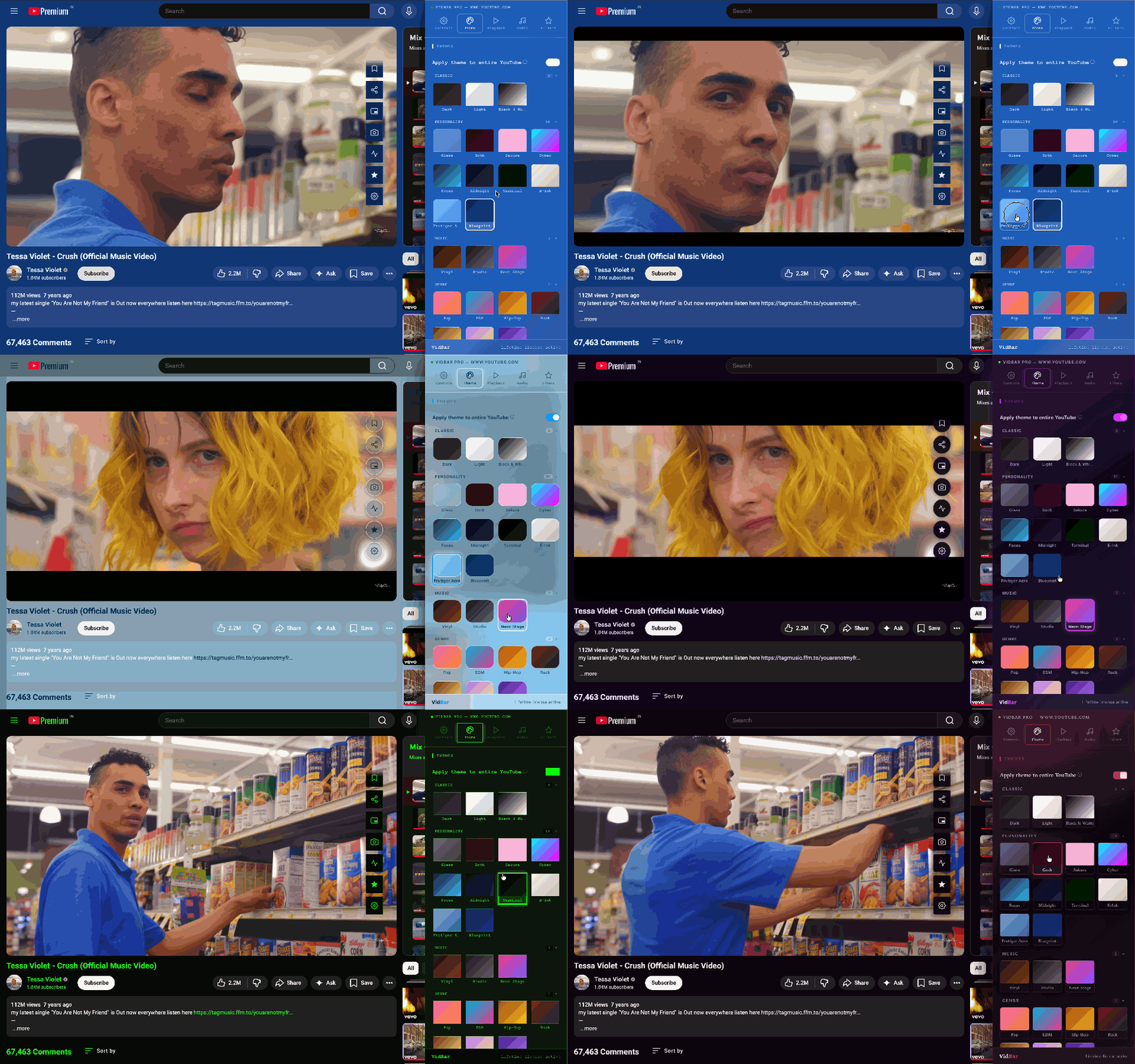
Themes
30+ visual themes for YouTube
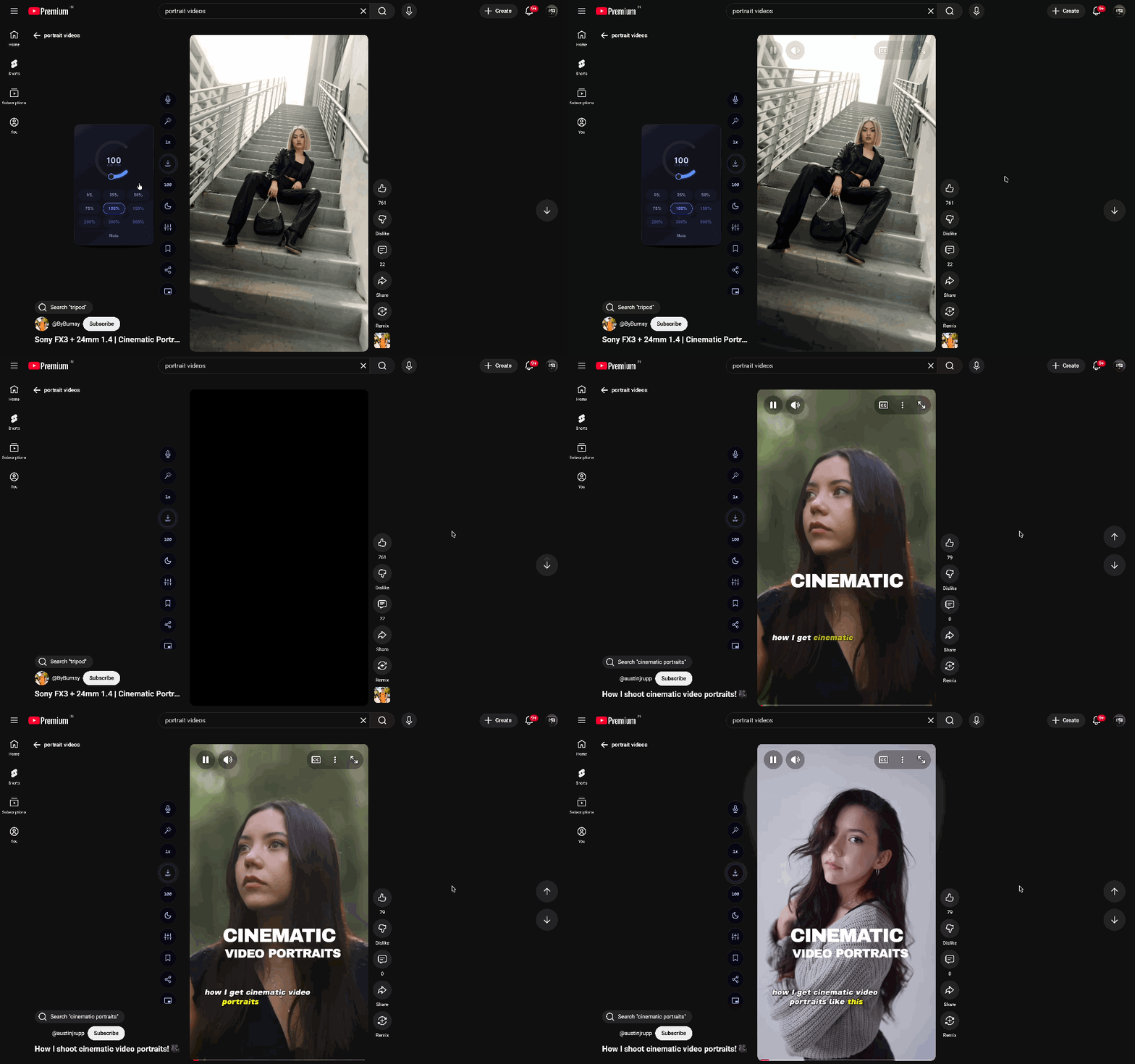
Auto Scroll
Auto-advance Reels & Shorts
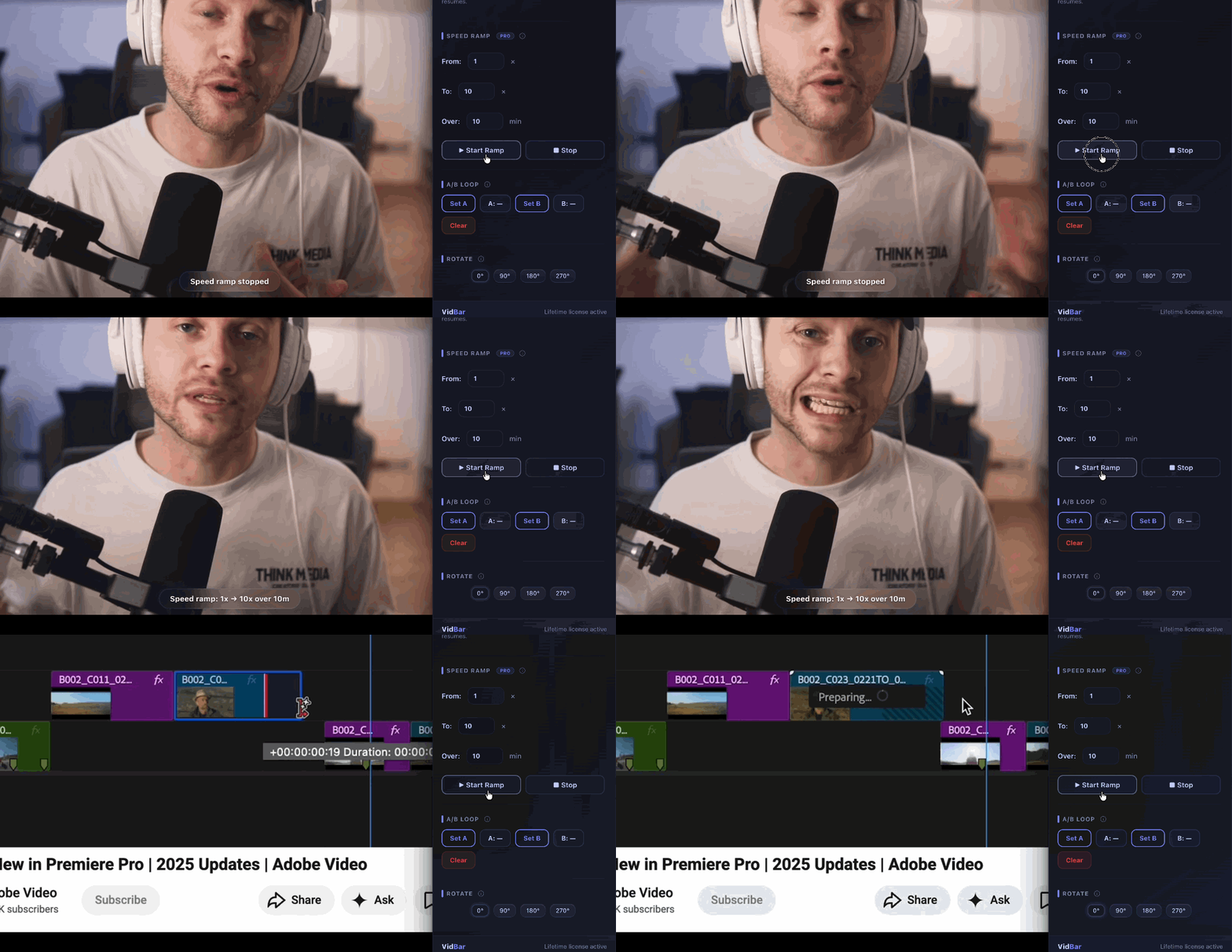
Speed Ramp
Gradual acceleration, silky smooth

Ambient Mode
Cinematic glow from video colors
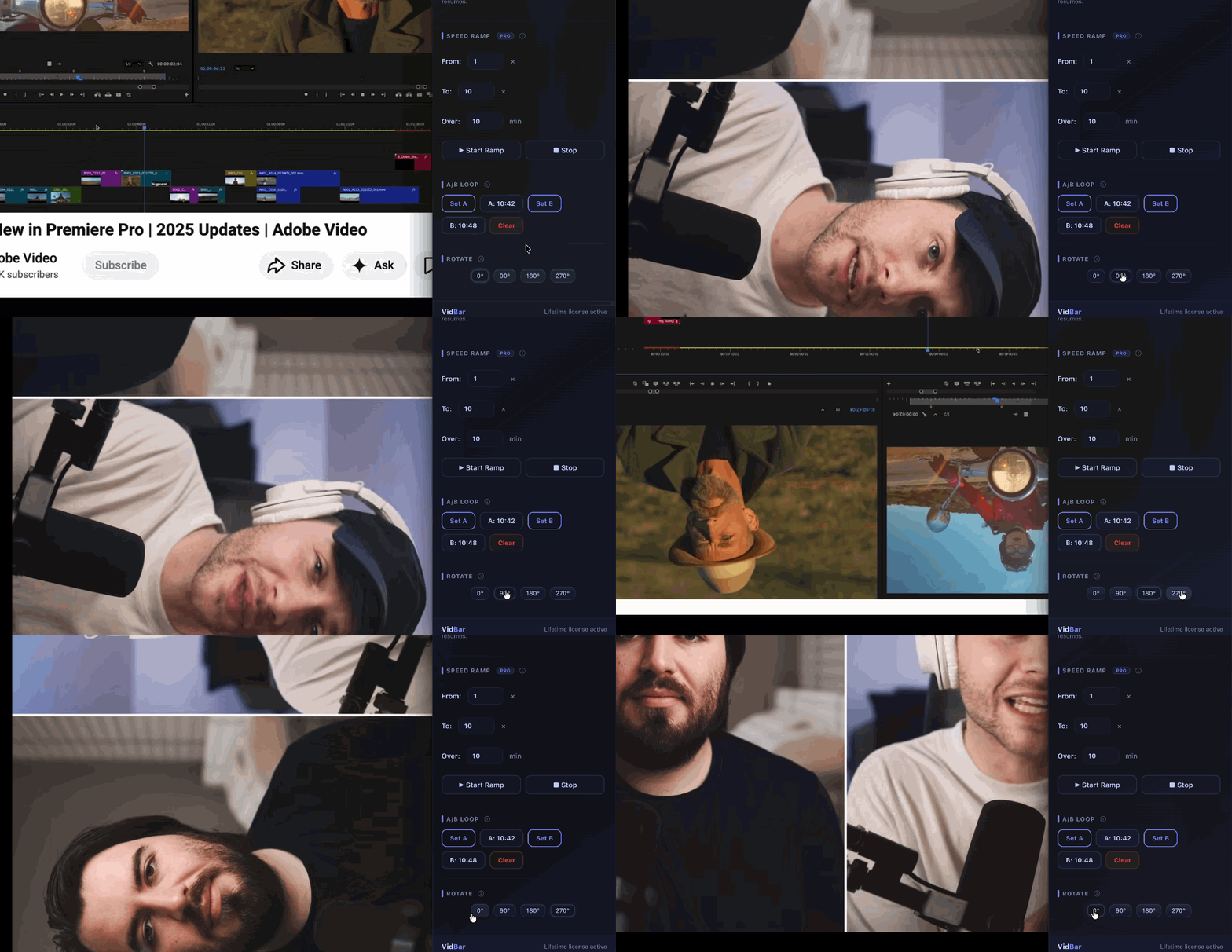
Rotate
Rotate any video to any angle
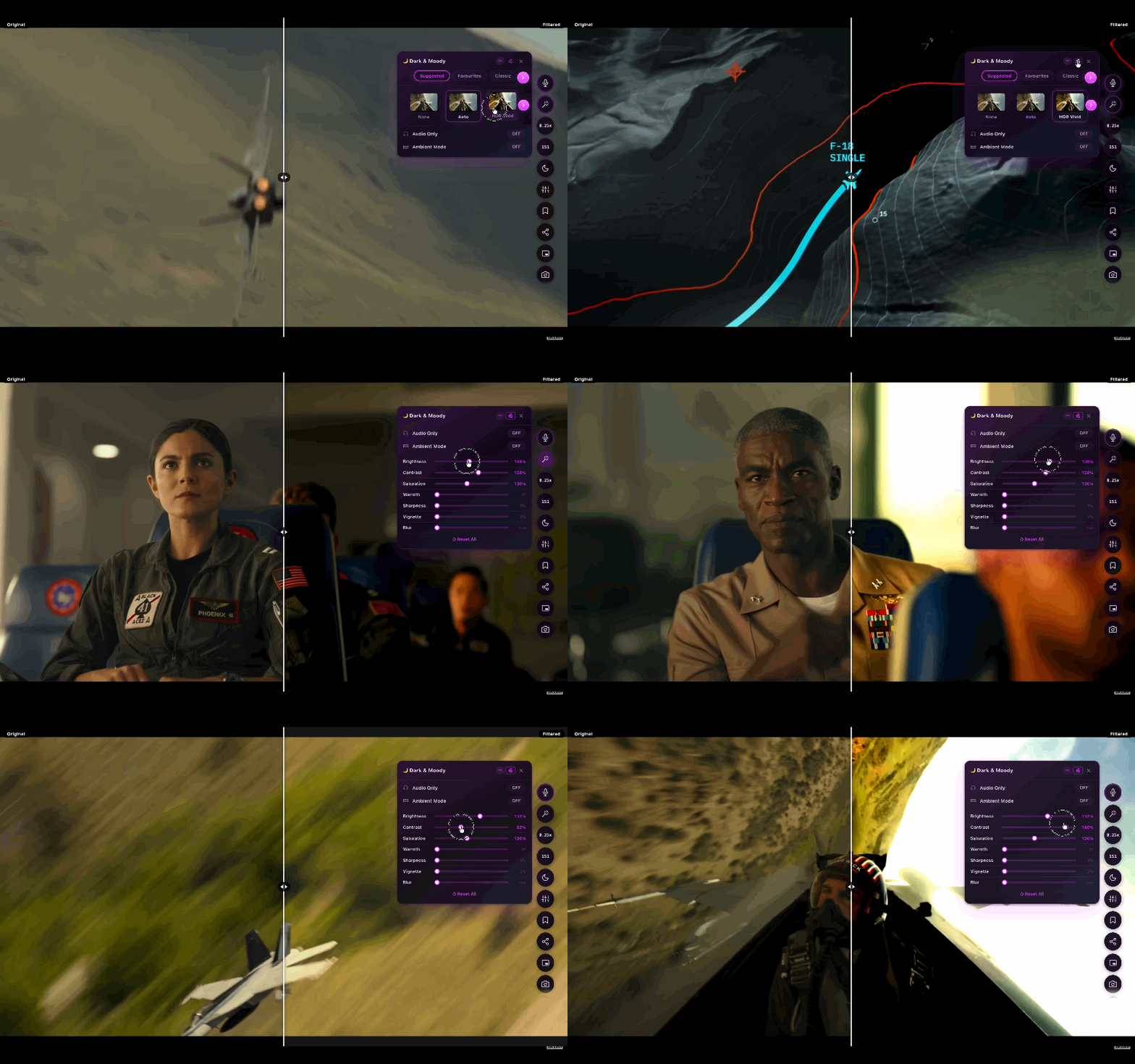
Filters
Real-time color effects on any video
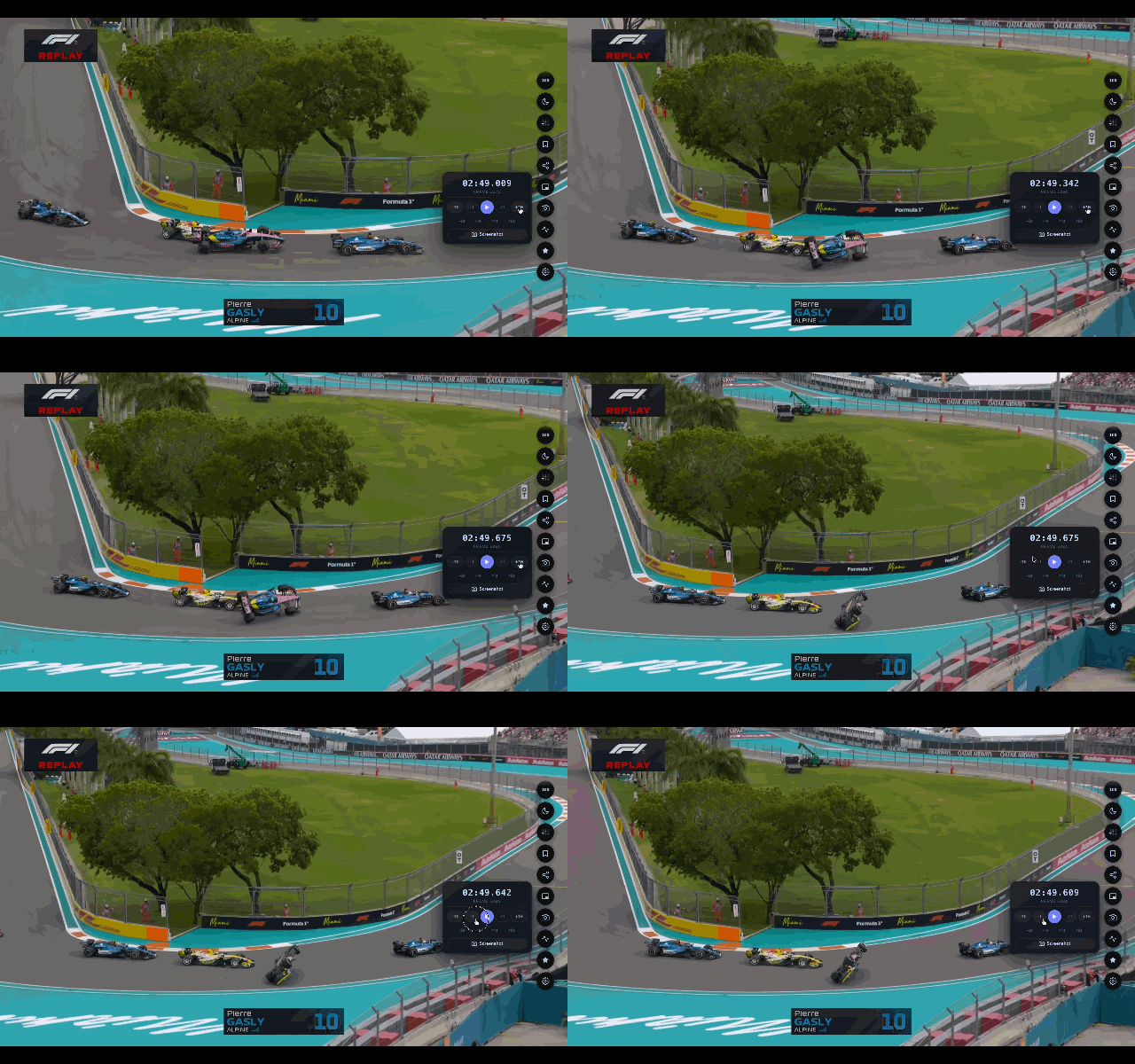
Frame by Frame
Scrub one frame at a time
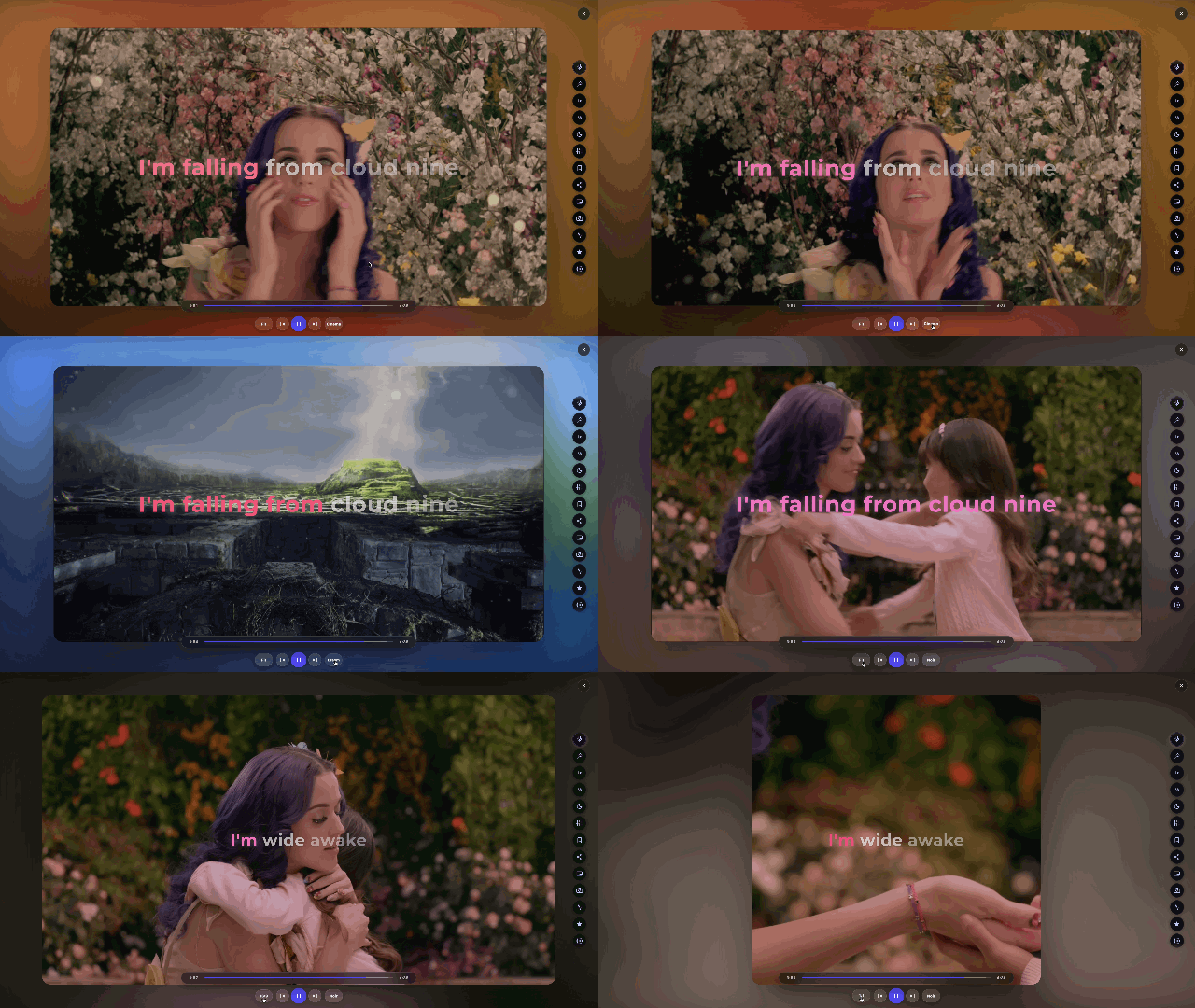
Ambient Focus
Focus highlight with ambient glow
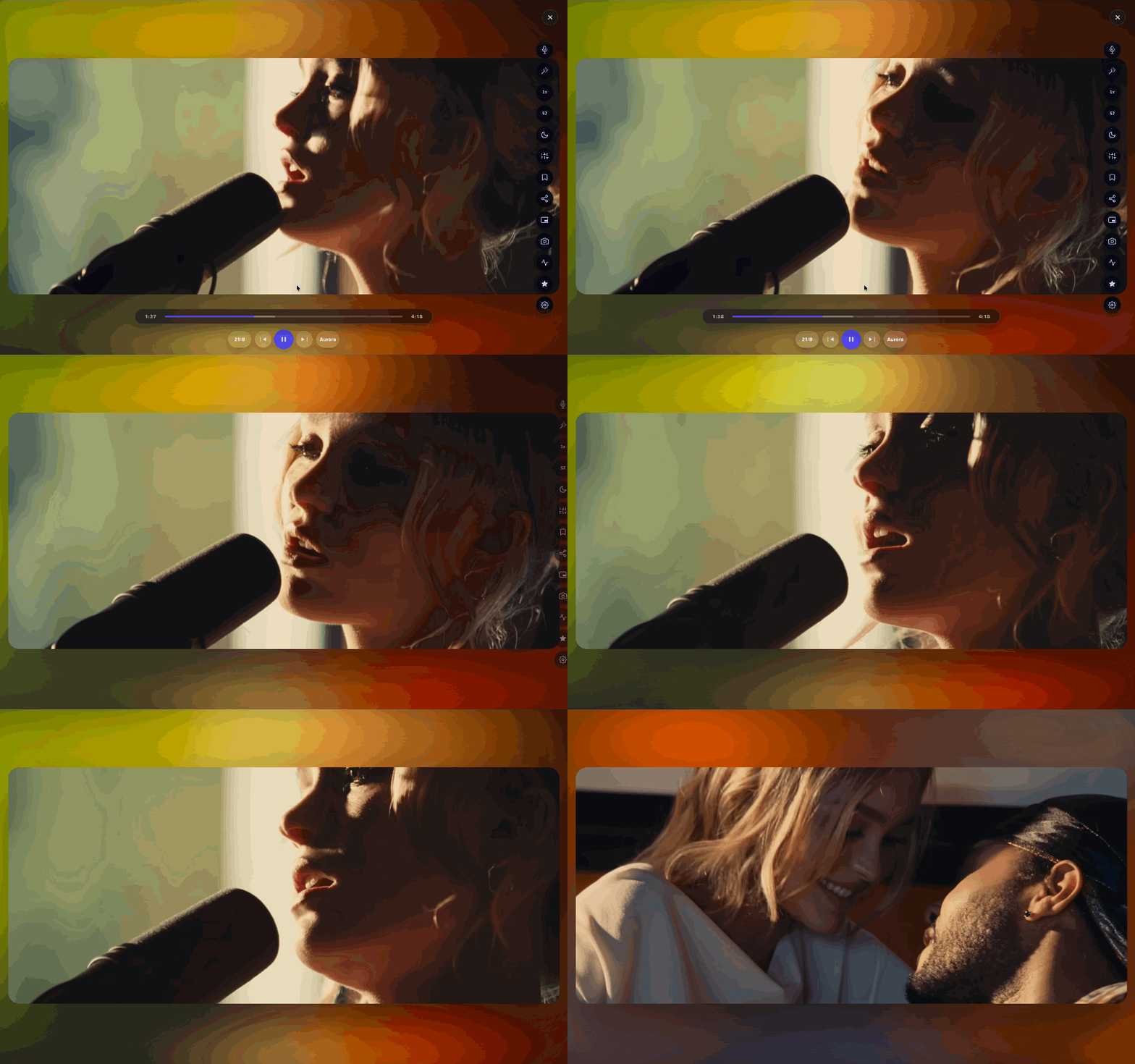
Ambient Glow
Immersive color bloom effect
Feature groups
Everything is organized by job — not a giant settings wall. Pick what you need and ignore the rest.
“This extension is super handy — it lets me speed up videos, change the quality easily, and play around with different sounds, which just makes watching stuff way more fun and convenient.”
“Straight-up banger of an extension. Karaoke mode is so fun.”
“This is actually so underrated 🔥”
“It has best filters that work live.”
“Really loved karaoke!!!”
Pricing
VidBar Pro is a one-time $9.99 — no subscription, no renewal.
Free
Free forever · No account needed
Pro
Pay once · Own forever · No subscription
Less than one month of any streaming service.
Compatibility
Speed, notes, filters, karaoke, shortcuts
Playback controls, karaoke, filters
Cleaner viewing controls on supported pages
Dual subtitles, Japanese language learning loop
Works on most HTML5 video players
Features may vary depending on browser permissions and platform behavior.
Privacy
Browser extensions need trust. VidBar is designed around local controls, clear permissions, and optional Pro services.
VidBar does not upload your videos.
Settings, bookmarks, notes, and preferences are stored locally in Chrome storage unless Chrome sync handles syncing through your Google account.
The extension collects only anonymous usage analytics (no video content or personal data), and you can turn it off in settings.
You can disable features you do not use.
FAQ
Free forever. No account. Installs in 3 seconds.