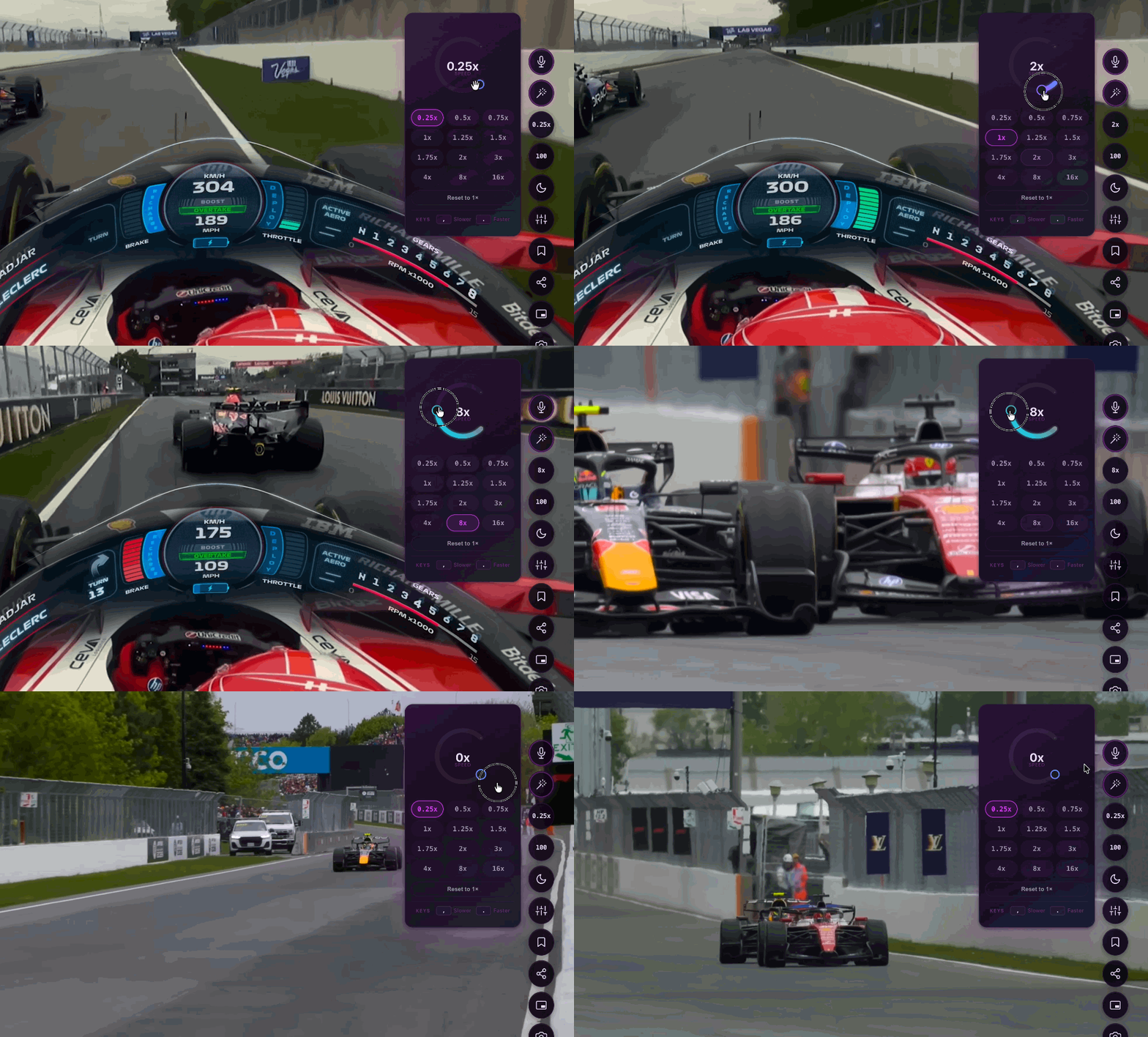
What it does
How speed control works
Speed Control gives you all 12 preset speeds from 0.25× to 16× on the free plan — slow it down to study a tutorial or push to 16× to skim a podcast. Pitch lock keeps voices and music sounding natural even at extreme speeds. ### Why Use a Video Speed Controller? Not all content is meant to be watched at 1x speed. Whether you are cramming for an exam, listening to a slow-talking lecturer, or just trying to quickly scrub through a tutorial to find the exact step you need, having a reliable video speed controller changes how you consume media online. Our browser extension gives you complete control over playback speed, allowing you to fine-tune the pace from a slow-motion 0.25x all the way up to a lightning-fast 16x. Best of all, unlike native video players, we include real-time pitch correction. This ensures that when you speed up a video, the voices don’t suffer from the high-pitched "chipmunk effect," maintaining clear, natural audio that is easy to understand. ### Take Control with Keyboard Shortcuts Efficiency is key. Instead of constantly clicking through hidden settings menus on every different website, our extension unifies your viewing experience. You can seamlessly speed up or slow down any HTML5 video using customizable keyboard shortcuts. Skip the boring parts, slow down the important details, and save hours of your time every week.
Last updated June 22, 2026
All 12 speeds (0.25× – 16×) available on the free plan
Pitch lock preserves natural audio at high speeds
Custom keyboard shortcut for instant speed cycling
Also known as
Try Speed Control now
Install in 3 seconds. Free forever. No account needed.